
Joyagoo QC Photos: Match the Item, Then Inspect the Details
Begin a Joyagoo QC check by matching the photographs to the item you ordered. Confirm the product reference, selected colour, size and quantity before looking for smaller details. A clear gallery of the wrong option does not resolve your own order.
Listing images, public QC and your own item
Listing images show how a seller presents a product. Public QC galleries can help you identify details worth checking, but may belong to a different option, batch or order. The photographs attached to your received item are the appropriate place to start an accept, question or return decision.
When a public example comes from another service, keep that origin clear. Do not relabel it as Joyagoo's inspection or attach its measurements to your own parcel.
Review the whole item before zooming in
Check front and back views, the overall shape and the number of pieces. Then compare the selected colour and visible labels. Lighting can alter colour appearance, so an uncertain shade may need another view rather than a confident conclusion from one compressed photograph.
Move next to the details that affect use: a bag's opening and straps, a jacket's fastening, or whether both shoes show the same visible design. Separate an observable issue from a guess about performance.
| Item | Useful view | Question it helps answer |
|---|---|---|
| T-shirt | Flat front, back and relevant measurement | Is the cut and visible print consistent with the selected option? |
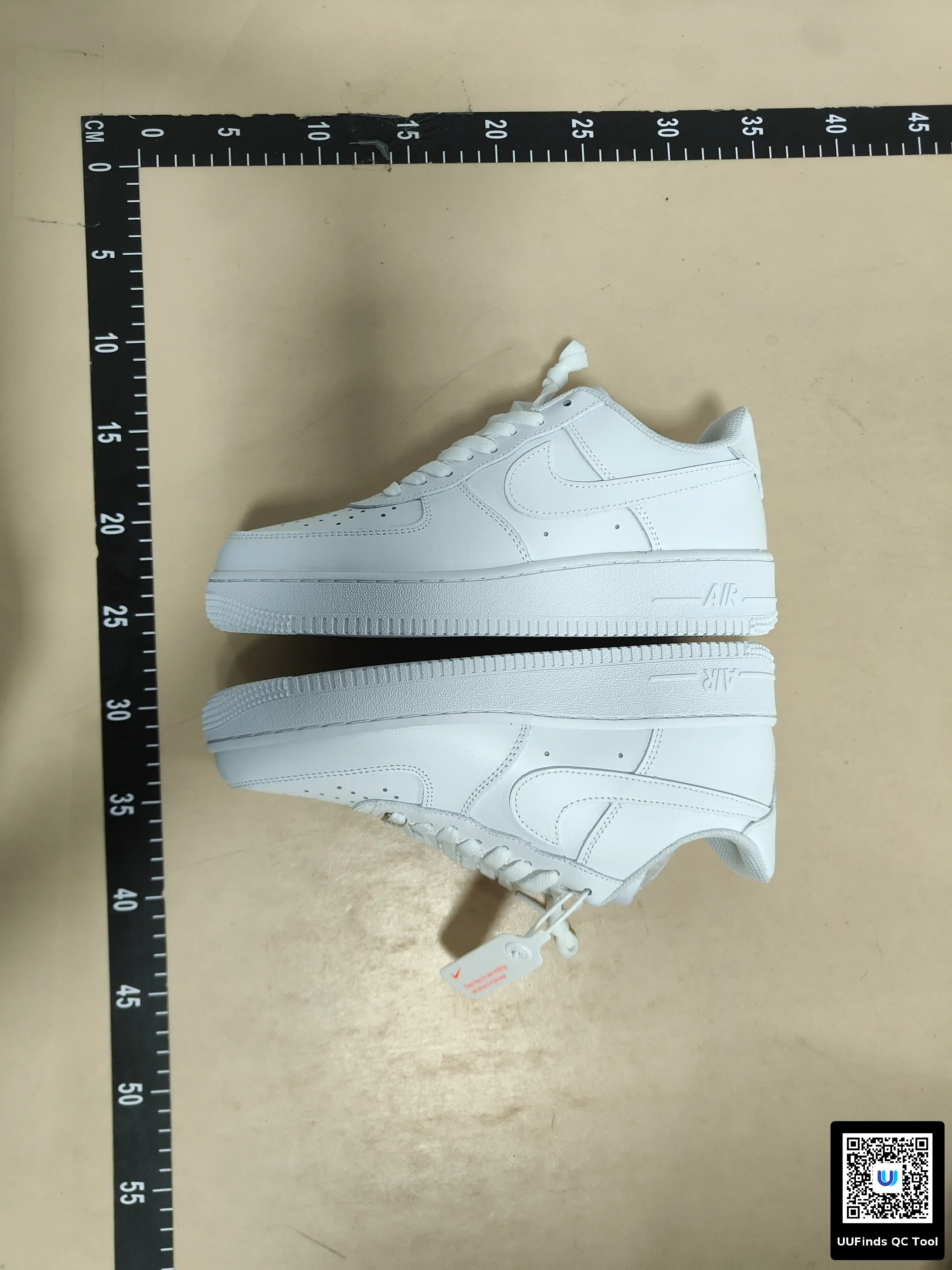
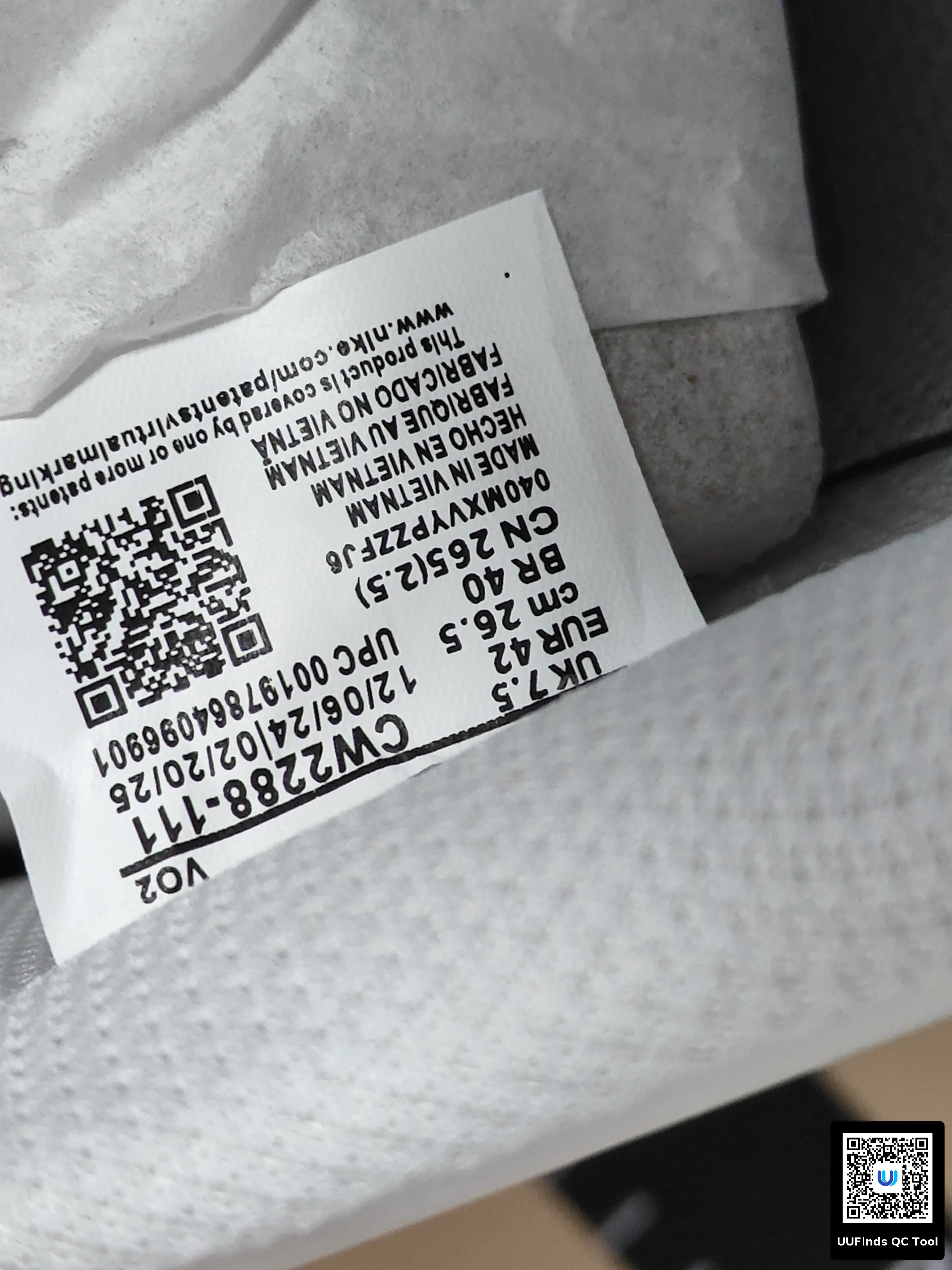
| Shoes | Both sides of the pair, soles and size labels | Are both items present and visibly consistent? |
| Bag | Opening, compartments and strap attachments | Does the visible layout match the intended use? |
| Jersey | Front, back, badge and selected personalisation | Are the ordered details present? |
Ask for a specific missing measurement
State the measurement, the points it should run between and the unit. For a flat shirt, chest width from seam to seam is different from a full body circumference. Compare it with a garment you already like, measured in the same way.
If a ruler bends or the item is folded at the measurement point, ask for a clearer view. Avoid declaring a size wrong from a photograph that does not show how the measurement was taken.
What a photograph cannot establish
Joyagoo describes visual arrival checks; its published electronics inspection does not include power-on testing. A neat exterior therefore does not establish battery health, sound quality or working functions. Similarly, an image alone cannot authenticate a branded product or demonstrate long-term comfort.
Write down the unresolved question rather than inventing an answer. If it matters to whether you keep the item, ask before shipping. Read the return guide promptly when a visible issue could require action.
Finish with a decision
Keep a simple result for each item: matches the visible order details, needs another view, or needs a return enquiry. Record why. Only items you have decided to keep should move into the parcel plan.
Open accessories to compare a bag or accessory, then use its exact listing and option when checking any available photos. The spreadsheet links guide explains how to preserve that connection.
Is more QC always better?
Relevant views are better than a large number of repeated angles. Choose photographs that answer a specific question.
Can I post my photos for another opinion?
Remove account names, order and tracking references, labels, addresses and barcodes. Keep only the item details needed for the question.
What if a public gallery looks perfect?
Use it to form your checklist. Review your own received item before deciding what to ship.
Electronics and iPhone searches need a different check
An iPhone search may be for a device, a case or another accessory. Confirm what the selected offer actually includes before comparing the amount. For a case, model compatibility may be decisive; for a device, condition and working functions require more than the same exterior comparison.
Joyagoo describes electronics inspection as visual, not a power-on functional test. A clean photo does not establish battery health, activation status, connectivity or performance. Ask for evidence suited to the question rather than treating more exterior images as a functional result.
Battery-containing products can also affect transport eligibility. Check the actual contents and destination before purchasing, and retain necessary protective packing. Shipping guidance concerns the parcel decision; it does not certify that every electronic item is eligible.
Joyagoo quality: judge the item, not only the photograph
Separate visible condition, fit, material and performance. A photo can help you notice a stain, uneven seam or mismatched option. A measured width can help with fit. Neither establishes long-term durability, material composition or every working function.
For two clothing candidates, list the few details that matter to you: selected size, an important measurement, fastening and any visible defect. Compare equivalent views rather than the number of photos alone. A product with more pictures has more information to examine, not automatically higher quality. The review guide explains how this item-level decision differs from evaluating the shopping service.
Check the relevant QC views
Use front and back photographs to compare the selected design and personalisation. Look at visible placement and spelling, then request another view if a fold covers the detail you need. A badge photograph alone does not establish authenticity or how it will withstand washing.
Consult return conditions before choosing personalisation, since the available after-sales options can depend on the item and seller. Resolve uncertainty before ordering rather than assuming you can change a customised item later.
Browse jerseys. Save the selected option with the link using the spreadsheet links guide, and use QC when the received item is ready to review.